
Omarchy Minecraft Theme
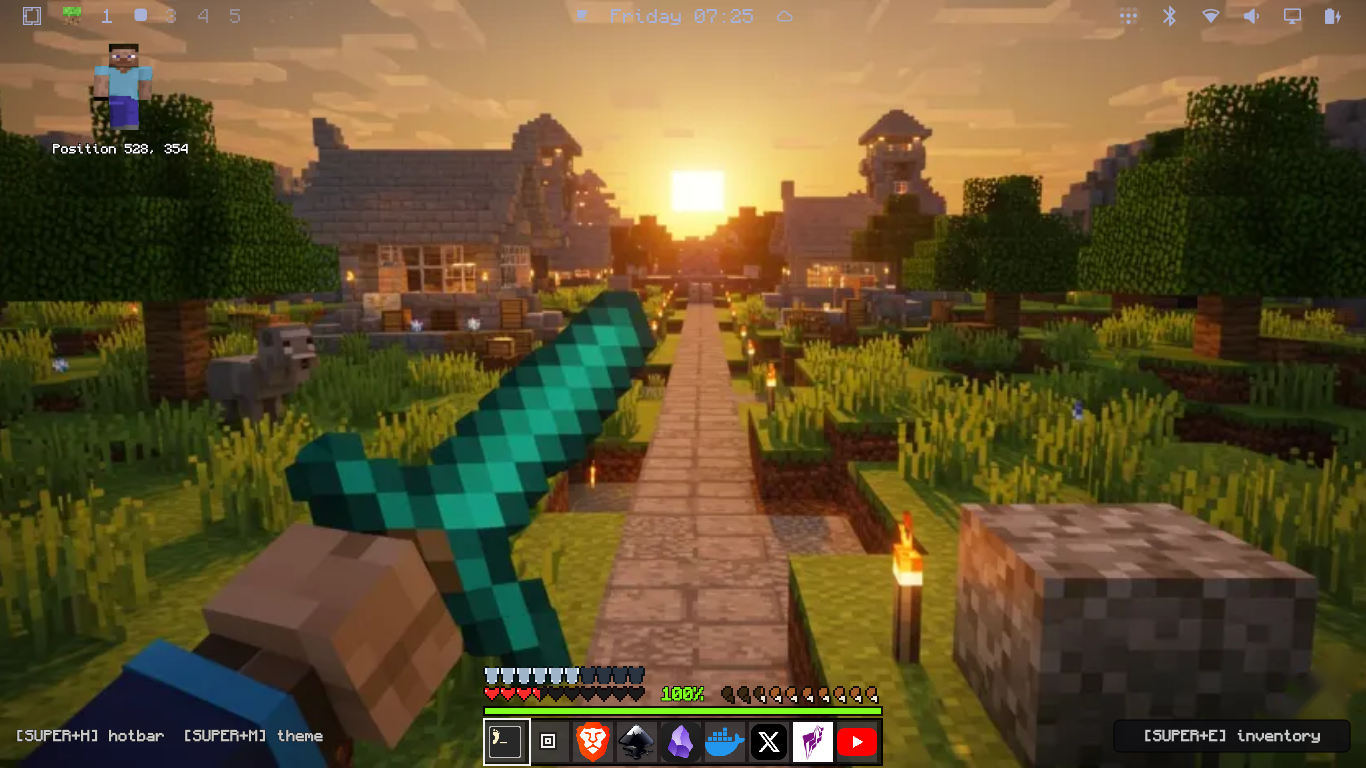
A switchable Omarchy theme plus a suite of Minecraft-style Quickshell overlays — all original art, code, and audio. Not affiliated with Mojang or Microsoft.
What you get
- Theme
minecraft— obsidian palette, XP-green accents, stone GUI greys, Monocraft font, pixel cursor, transparent bar - Bar cube — grass-block button beside the Omarchy menu; click to toggle the theme on and off (same as SUPER+M)
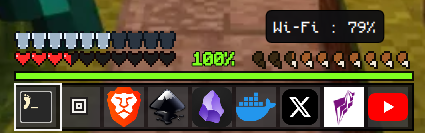
- HUD — hotbar, hearts, hunger, XP bar, status icons and the
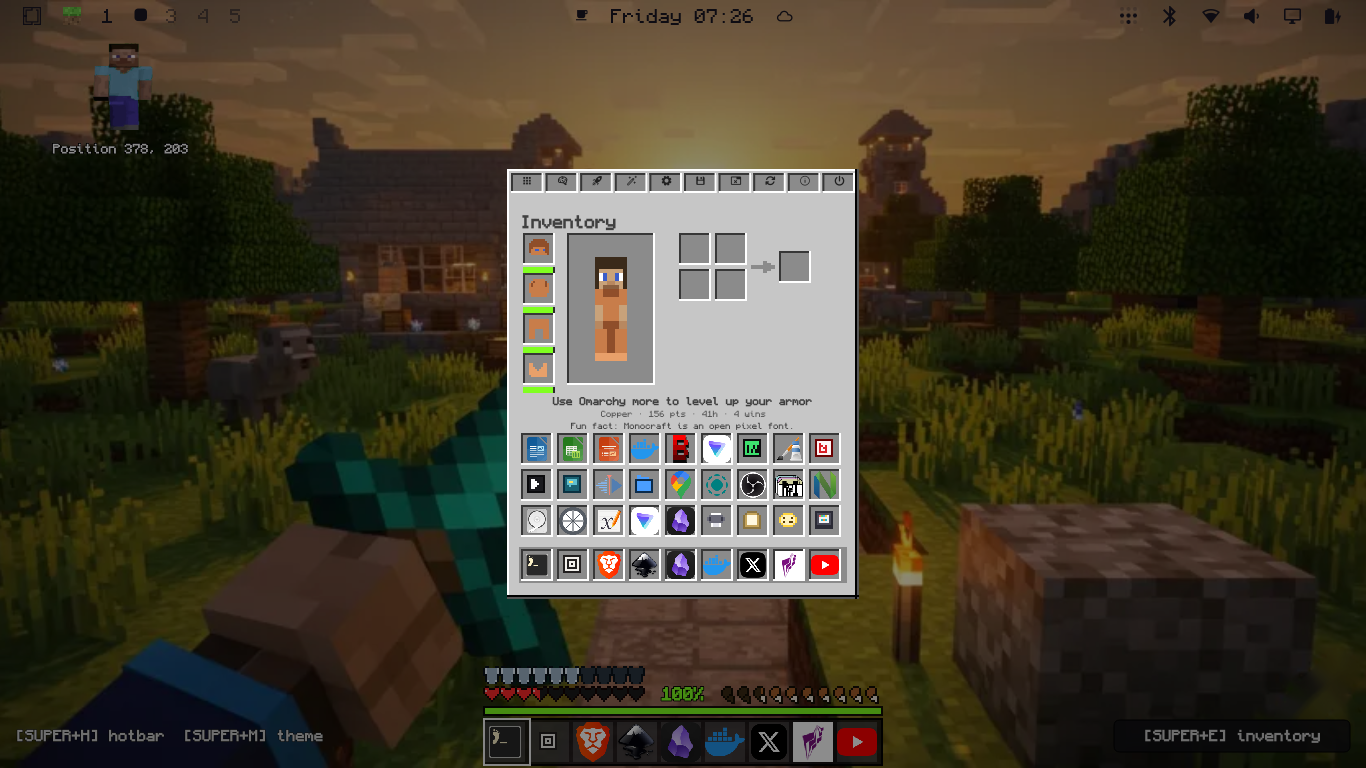
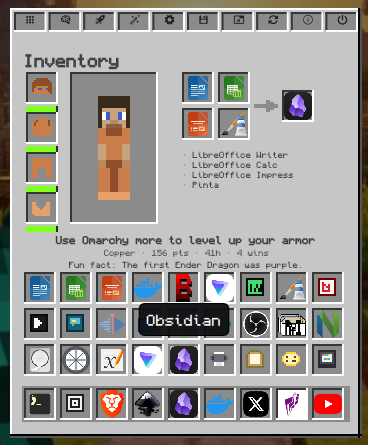
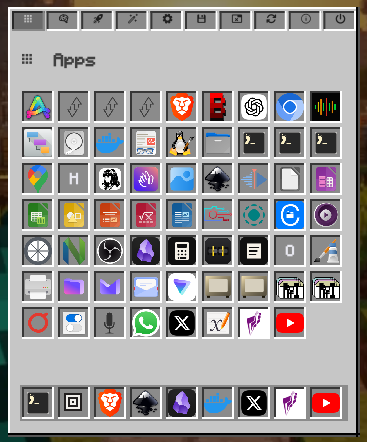
[E] inventorychip - Inventory — classic GUI with app launchers and category-matched craft-row suggestions
- Steve — blocky companion, top-left; blinks and bobs; click to open the inventory
- Death power menu — a “You Died!” screen with respawn, title screen, log out and shut down actions
- Toasts & splash — advancement-style notifications and yellow diagonal splash text
- Sounds — original procedural click, open, close, toast and death WAVs
- Screensaver — alternating block art while the theme is on
Screenshots
Keybinds
- SUPER+M — toggle the theme (HUD preloads with splash, toast and screensaver)
- SUPER+H — toggle the HUD / hotbar
- SUPER+E — toggle the inventory
- SUPER+SHIFT+S — toggle Steve
- SUPER+SHIFT+D — death-screen power menu
- SUPER+SHIFT+X — show splash text
Install
git clone https://github.com/jaquesbody/omarchy-minecraft-theme.git
cd omarchy-minecraft-theme
./scripts/install.sh
omarchy theme set minecraft
Idempotent and safe to re-run — ./scripts/uninstall.sh reverts everything it touches. Requires Omarchy 4.0.x, Quickshell and the Monocraft Nerd Font (yay -S ttf-monocraft-nerd).
Repo
Code and original art under MIT, pixel art and sounds under CC0 — see the repo’s LICENSE and CREDITS.md.